
by: Better Business Bureau
Job :
Update:
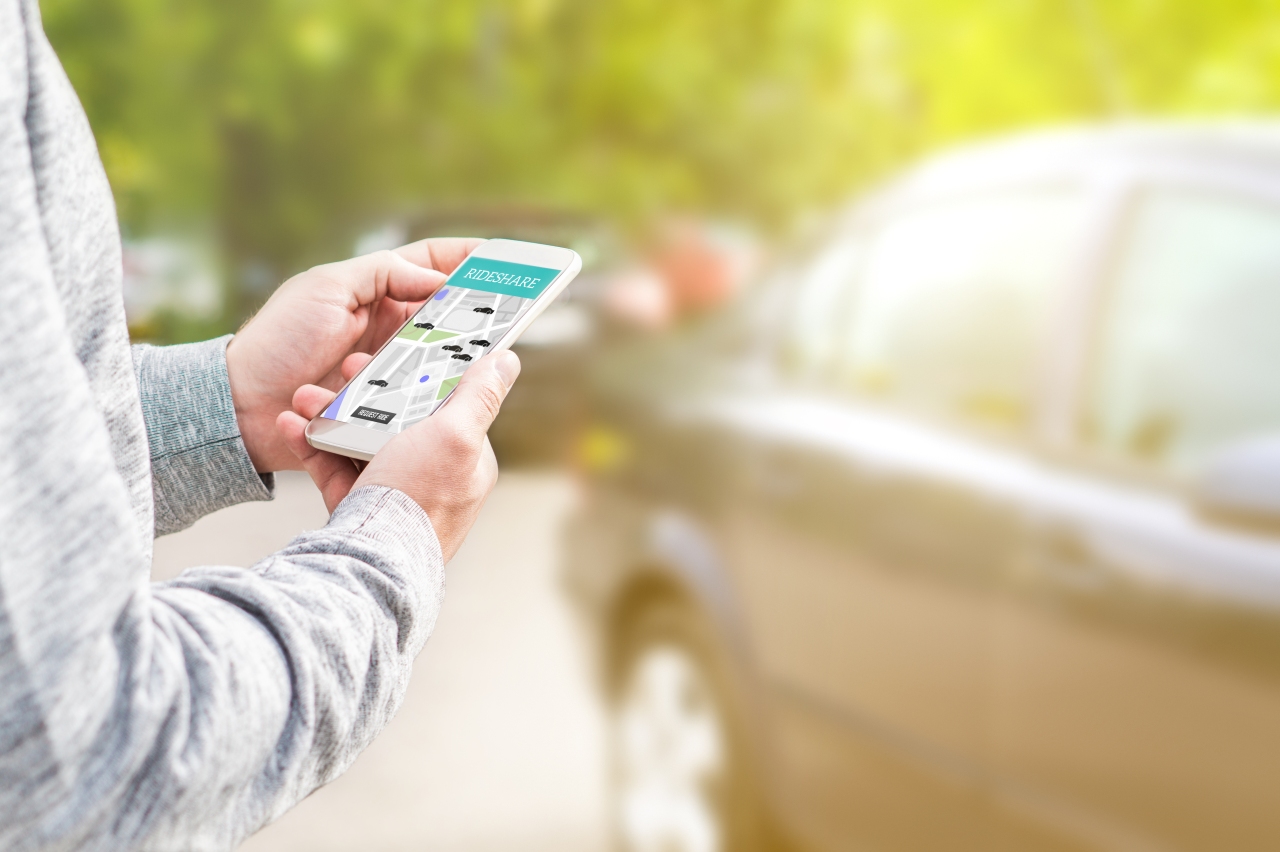
Traditional car rental companies are no longer your only option for renting a vehicle when you’re out of town. Car-sharing apps, essentially Airbnb for car owners, allow you to rent a private vehicle for hours, days, or even longer. Often these apps are also cheaper than a traditional rental car. However, if you’re renting from a carsharing app, follow these tips to ensure a smooth and enjoyable trip.
Tips for Using Car Sharing Apps
- Get to know the application in advance. Most car sharing companies perform their transactions and allow you to communicate with the car owner through an app. Be sure to download the app in advance, create a profile, and familiarize yourself with how booking, messaging, and contacting customer service work. Don’t leave this step until the last minute. Remember that some apps take time to approve you as a driver before you can rent. You may need to upload a photo of your license, so make sure you’re using the real app, not an imitation.
- Consider all costs. Part of the appeal of car-sharing apps is their competitive pricing. However, don’t take the daily rates at face value. As with most online booking services, always check fees and taxes before finalizing your booking. Most apps charge a “travel fee” to cover customer service and other platform expenses. Additionally, hosts may charge a delivery or pickup fee. In most cases, you can filter your results to only include cars that offer free delivery.
- Read lots of reviews. Since you’re not dealing with a traditional car rental company, be aware that quality and cleanliness may vary from car to car. The best way to know if you are renting a car that is clean and in good mechanical condition is to read the reviews of other users. If you notice the car was dirty, the owner was uncommunicative, or there were mechanical issues, look for another vehicle.
- Consider insurance. Most carsharing apps offer insurance policies that you can add to your trip, so review them carefully before choosing one that suits your needs. If you usually use your credit card’s rental insurance or your regular car insurance policy to cover rentals, contact us to find out if they also cover car-sharing vehicles. Insurance that covers ridesharing cars is not always the case.
- Examine the car carefully before approving your reservation. It’s always a good idea to look at the vehicle carefully when picking up to make sure it lives up to its description on the app. If you notice any mechanical or other issues, notify the owner and contact the app customer service immediately. It may be best to decline the booking and let the company arrange a replacement car for you.
- Get to know the car you are renting and ask lots of questions. If you’re renting a make or model of car you’ve never driven before, do some research before you buy it. Ask the owner if their car has any quirks you should know about. You may also ask where to find basic controls, such as headlights, cruise control, and windshield wipers.
- Make sure the app is set up correctly. If you book through the app, be sure to turn on notifications to receive messages about the rental. Some apps even use Bluetooth connectivity to unlock the car, so you never have to meet the owner in person. If you use this app, make sure your phone is charged and has service when you drop off and pick up the car.
- Watch out for scams. Follow the policies of the car sharing company carefully. Only do this if a vehicle owner asks you to do business outside of the app or ignores pick-up or drop-off instructions. If you violate a company’s policy, even at the insistence of the owner, you could be held liable for damage or theft (real or invented) reported by the owner. If a problem arises, contact customer service immediately and ask them how to proceed.
Read BBB’s tips on car rental and car rental savings. Check out the BBB’s article on fake rental car bookings to stay alert to scams. To report a scam, go to BBB.org/ScamTracker.
whnt
Don’t miss interesting posts on Famousbio